Advents
Designing a Backoffice Platform for Financial Planning
Replacing spreadsheet driven workflows with a scalable, advisor ready system

A backoffice financial planning platform designed to replace complex, error prone Excel based workflows used by financial advisors. The platform introduces structure to planning activities previously managed through fragmented excel files and sheets. It supports goal planning, asset mapping, and scenario evaluation within a controlled, auditable system for advisors managing multiple clients with distinct financial assumptions.
What we did
— UX Research
— Information Architecture (IA)
— User Journey Mapping
— UI UX Design
Challenge & Outcome
Excel offered flexibility but failed at scale.
Critical logic was hidden, sequencing depended on user memory, and collaboration increased the risk of errors. Advisors spent more time managing spreadsheets than evaluating outcomes or advising clients.
Tangle partnered with the Finance & engineering team to deeply understand financial planning logic, advisor workflows, and technical feasibility. The goal was not to digitize spreadsheets, but to replace them with a system designed for accuracy, clarity, and long term scale.
Critical logic was hidden, sequencing depended on user memory, and collaboration increased the risk of errors. Advisors spent more time managing spreadsheets than evaluating outcomes or advising clients.
Tangle partnered with the Finance & engineering team to deeply understand financial planning logic, advisor workflows, and technical feasibility. The goal was not to digitize spreadsheets, but to replace them with a system designed for accuracy, clarity, and long term scale.
35%
Demo requests
35%
Bounce rate reduction
45%
Page engagement
45%
Session duration
Guided financial workflows.
Implicit spreadsheet logic was translated into explicit, step based product flows. Financial planning was broken into clear stages with defined dependencies, ensuring advisors followed the correct sequence without relying on memory.
Progressive disclosure was used to surface complexity only when required, keeping each step focused and manageable.

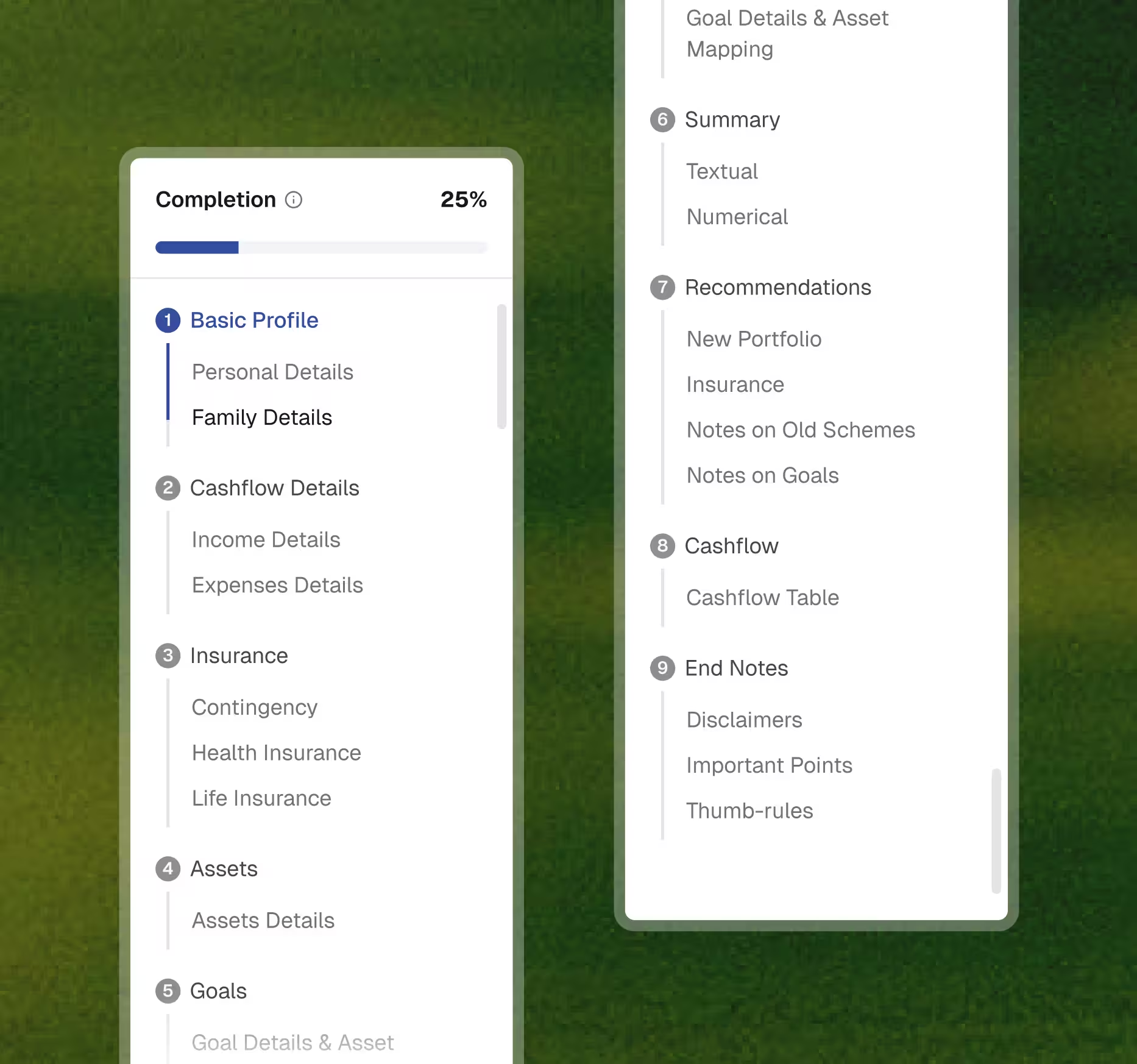
Making dependencies explicit
We translated implicit Excel sequencing into a step based information architecture where each stage reflected a financial dependency. Progression was allowed only after required inputs were complete, creating a guided experience that removed the need for advisors to remember order or logic.
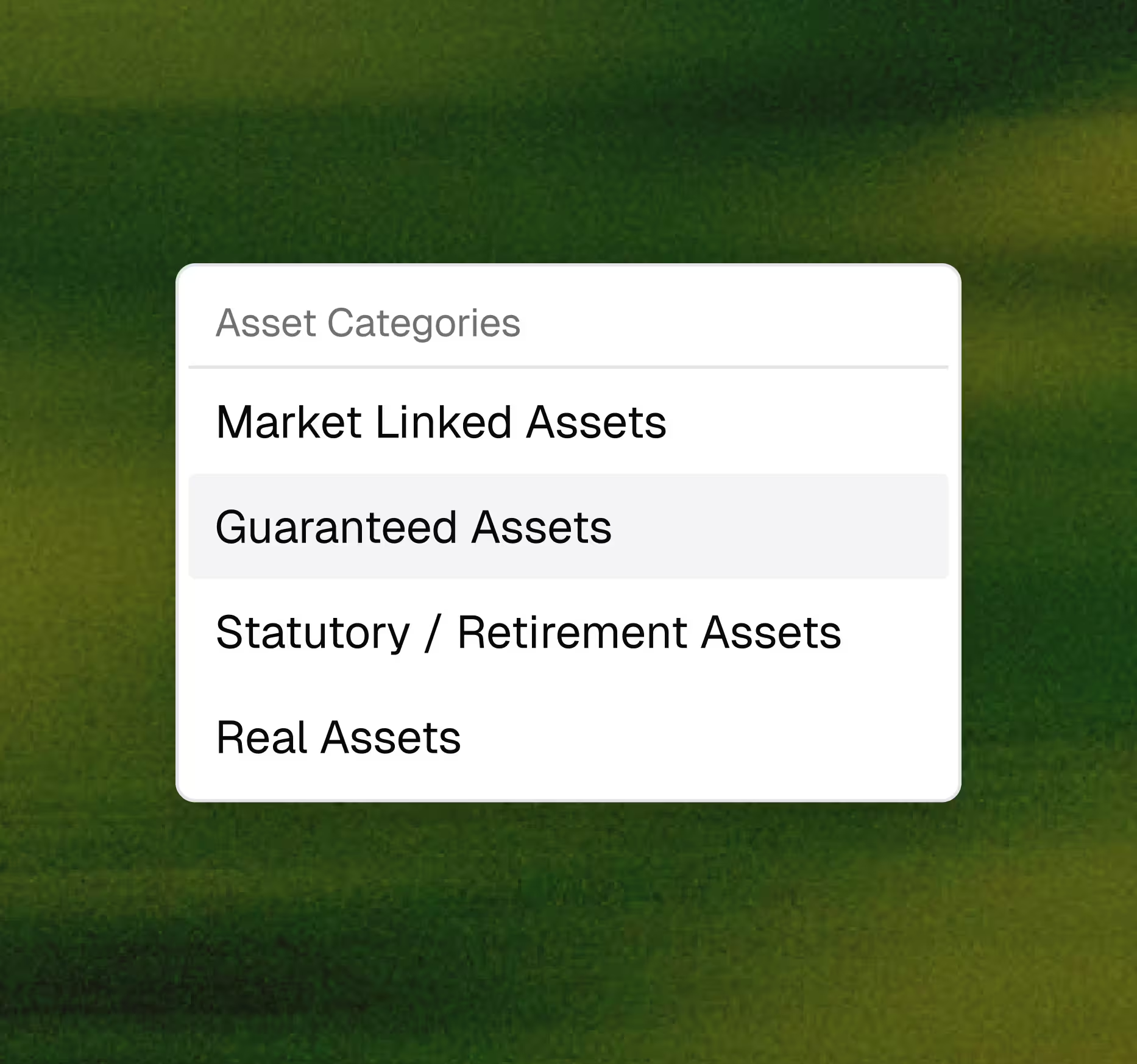
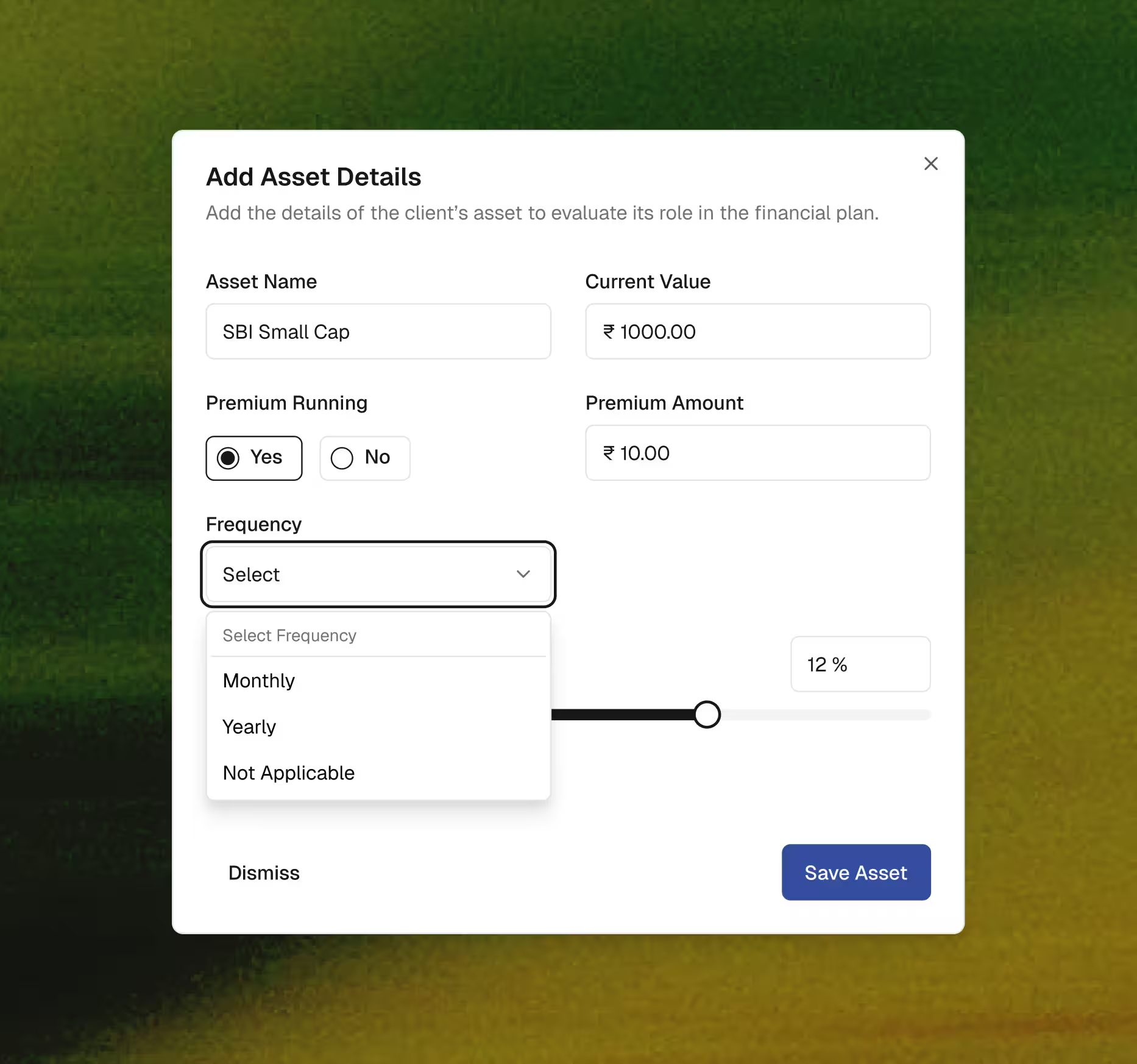

Intentional data entry and outcome clarity
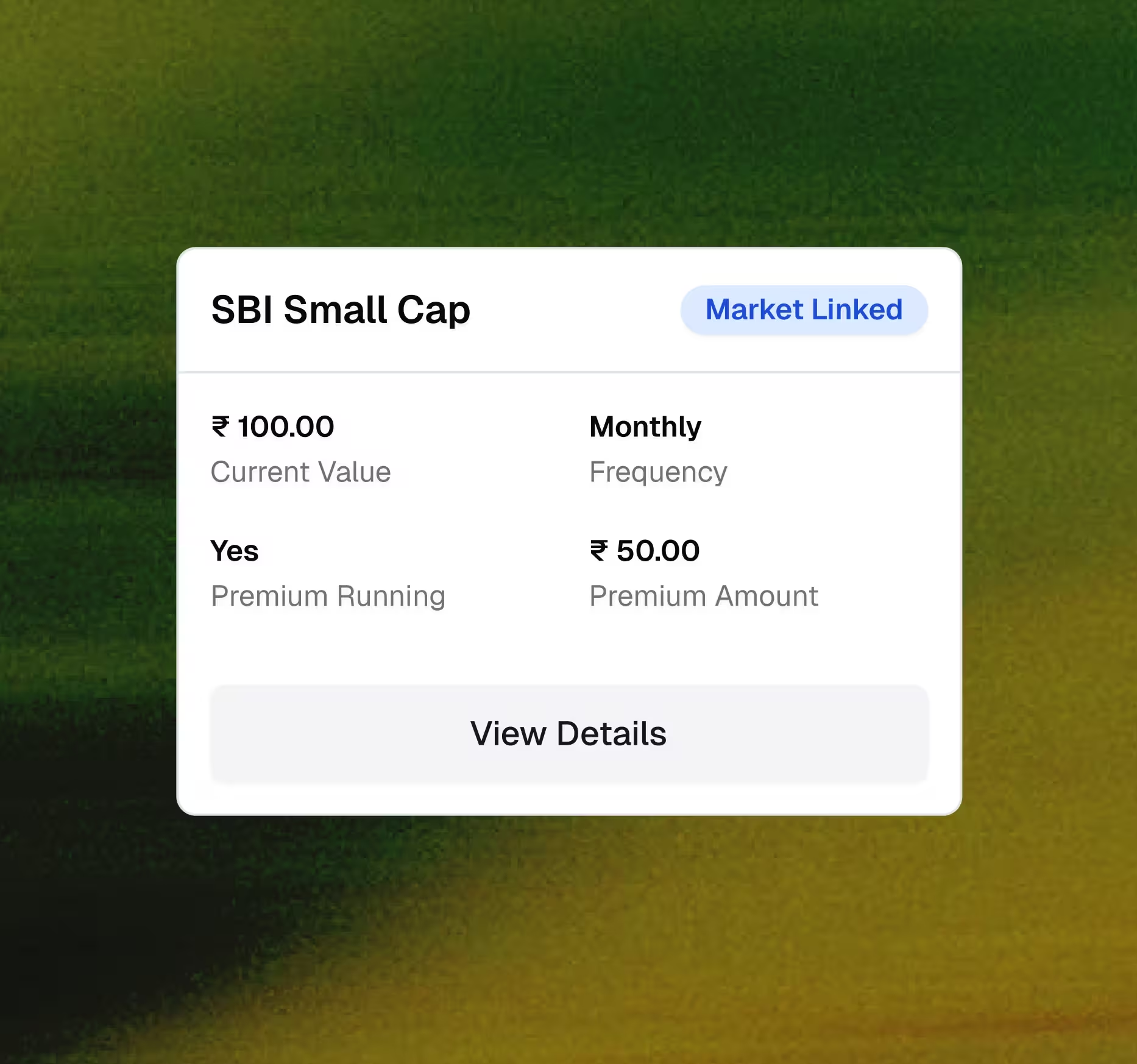
Data entry was reorganized into task specific screens that separated user inputs from system generated outcomes. Editable fields, calculated values, and summaries were visually and structurally distinct, reducing ambiguity.
Preventive guardrails, disabled states, and contextual empty states minimized errors before they occurred and reinforced trust in the system.




Tangle approached this as a product and systems problem, not a UI exercise.They understood the financial logic, advisor workflows, and constraints early on, which made the platform reliable and scalable from day one.
Ajay Dhavane
Financial Expert, Advents Wealth Management
Advisor aligned models
Spreadsheet terminology was replaced with language aligned to advisor mental models. Assets, goals, and scenarios were presented through guided mapping flows that made relationships and outcomes visible.
Draft saving, resume states, and clear client status indicators supported real workflows, allowing advisors to pause, compare, and make decisions without losing context.


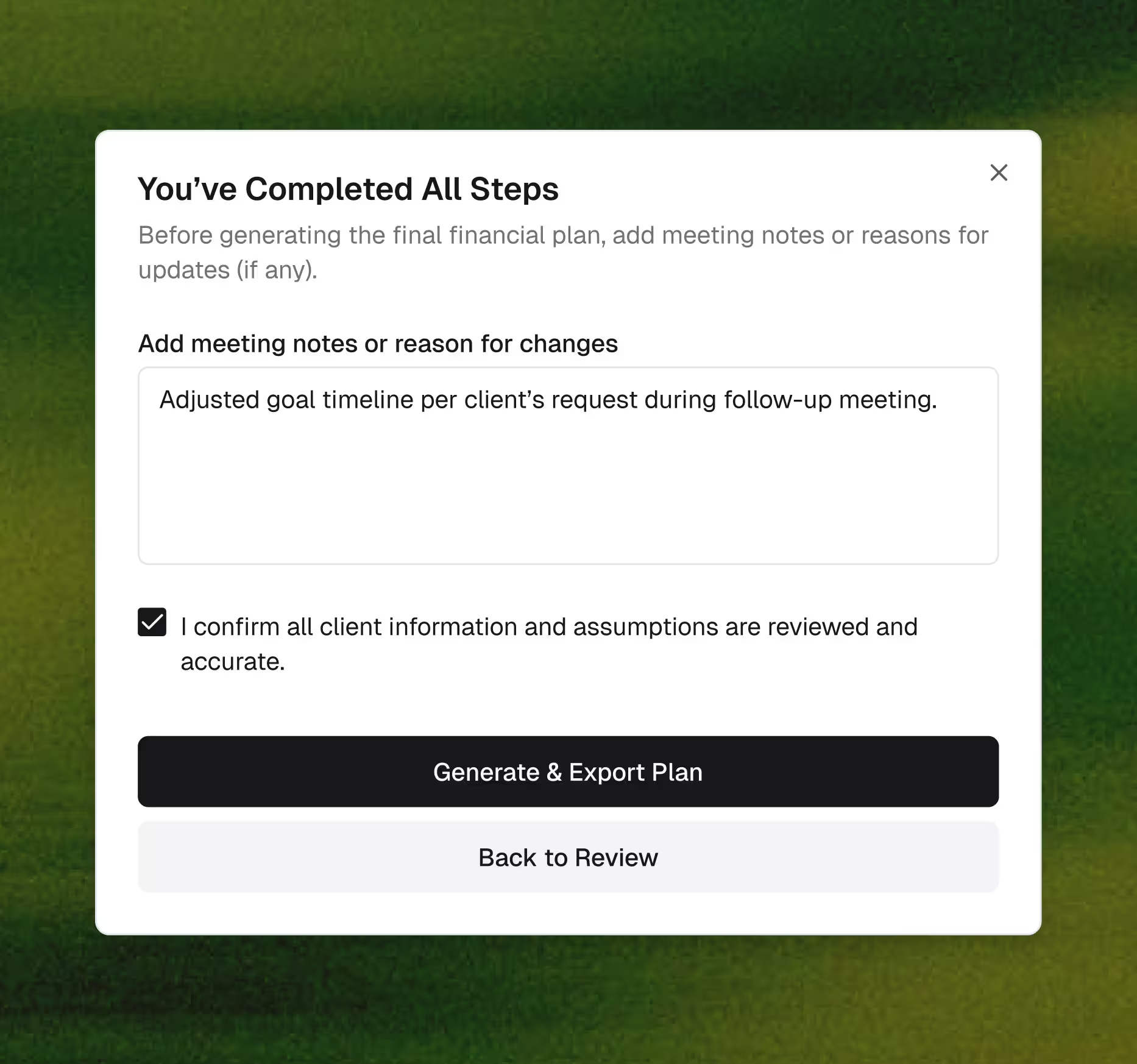

We did not treat this as a UI problem or a spreadsheet conversion.
The real work was understanding financial planning logic, dependencies, and how advisors make decisions. Once that system was clear, the interface followed naturally.
Every screen, state, and guardrail was designed to reduce ambiguity and make the next decision obvious
The real work was understanding financial planning logic, dependencies, and how advisors make decisions. Once that system was clear, the interface followed naturally.
Every screen, state, and guardrail was designed to reduce ambiguity and make the next decision obvious
Shekhar Kushwaha
Product Designer
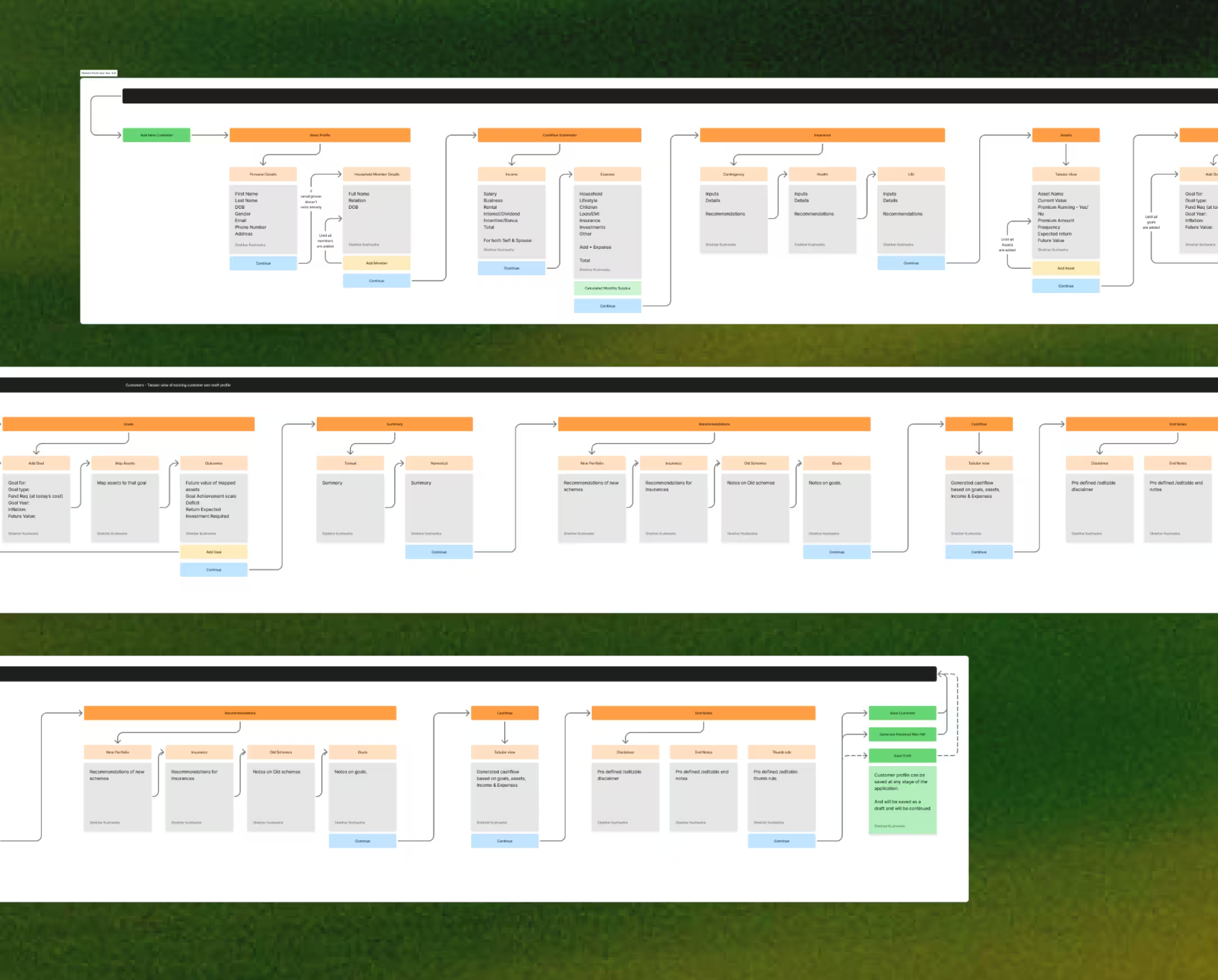
Design Approach
The platform was designed with a systems first mindset.
Information architecture reflected financial planning workflows rather than screen groupings.
Progressive disclosure controlled complexity across data heavy interfaces.
Information architecture reflected financial planning workflows rather than screen groupings.
Progressive disclosure controlled complexity across data heavy interfaces.
Cognitive load was reduced through consistent patterns and predictable interactions.Trust and credibility were reinforced through validations, data states, and visibility of outcomes.A modular design system ensured scalability and SaaS ready architecture.

Related work

Medical
Streamline product discovery, simplify checkout, and create personalized shopping journeys.
Medical
Streamline product discovery, simplify checkout, and create personalized shopping journeys.
Medical
Streamline product discovery, simplify checkout, and create personalized shopping journeys.

GET IN TOUCH
Discuss your next project with us
Shape What’s Next.