Design
How a UX Design Audit Reveals What’s Really Slowing Down Your SaaS Products
How UX design audits help SaaS teams see what’s really holding their product back.

At some point, most SaaS teams reach the same conclusion. “The product feels outdated.” “We probably need a redesign.”The instinct is understandable. When adoption slows or users start pushing back, the interface becomes an easy suspect. But more often than not, redesigning without understanding the real problem only creates a better-looking version of the same friction. This is where a UX design audit becomes far more valuable than jumping straight into visual changes.
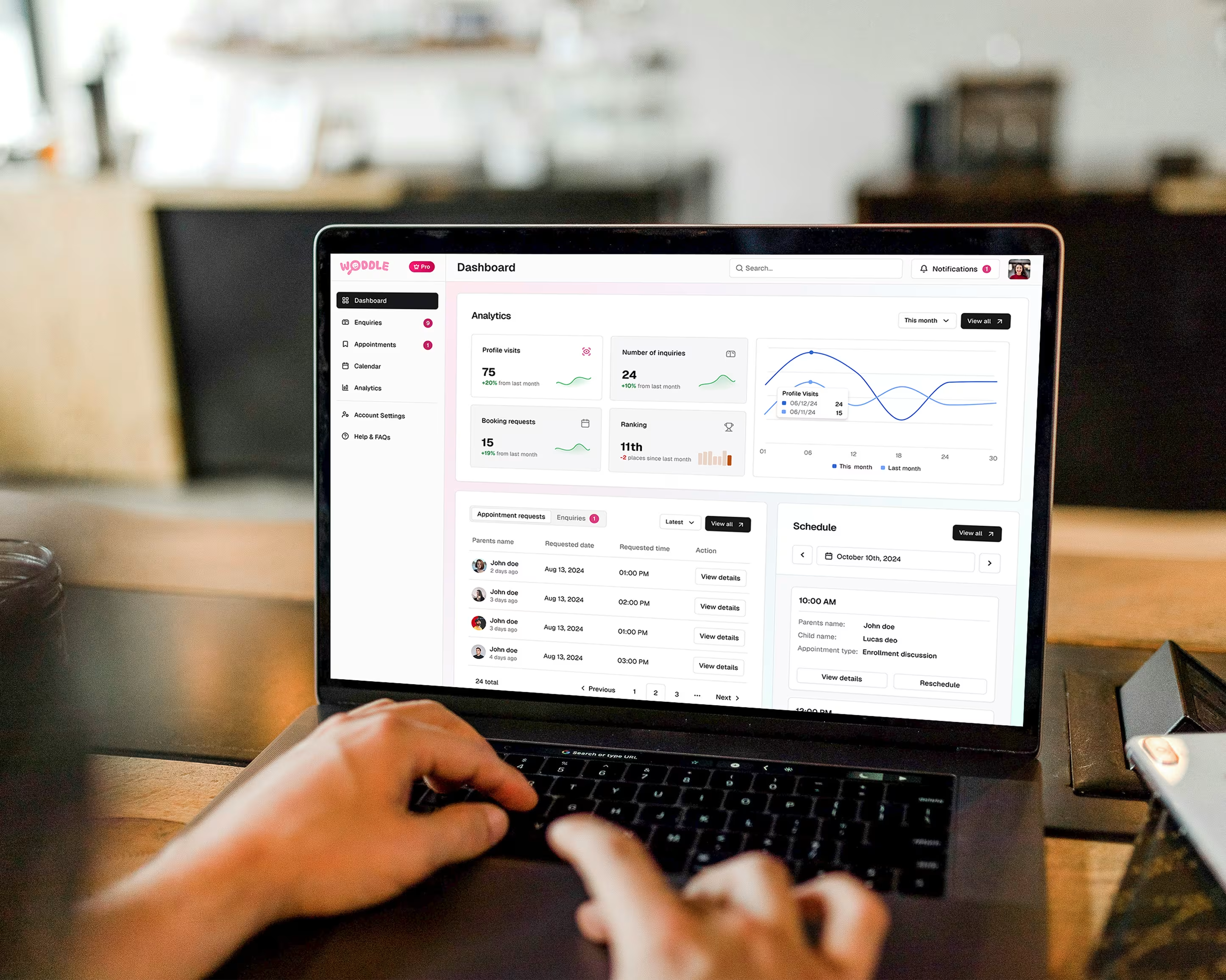
As products grow, friction shows up quietly. Support tickets increase. Onboarding feels longer. Users hesitate in places that used to feel obvious. Internally, these signals often translate into a simple narrative: the UI needs improvement. What’s usually missed is that most UX issues are not visual. They are structural. Redesigns that focus only on aesthetics tend to move buttons, change colours, and adjust layouts. Sometimes they feel fresher. Rarely do they solve the underlying issues that slow users down.
A UX design audit is not a critique of how your product looks. It is a structured way to understand how your product behaves from a user’s point of view.
At its core, an audit examines:
The goal is not to point out flaws, but to surface patterns. Patterns are what tell you where effort should be focused and where it should not.

One of the most valuable outcomes of a UX audit is perspective. Internal teams are deeply familiar with the product. That familiarity makes blind spots almost inevitable. Audits often reveal that:
None of these issues feel dramatic on their own. Together, they create friction that compounds as the product scales.
We saw this during our work on the SaaS experience for Cimmra, a supply chain and procurement platform used by operational teams. The product was functionally strong, but users often hesitated on key screens not because they didn’t understand the feature, but because the interface didn’t clearly signal priority. A UX audit helped surface these patterns early, making it clear where clarity was missing and where redesign effort would actually matter.

In complex products, especially enterprise software, clarity matters more than completeness. Showing everything at once might feel transparent internally, but for users it often creates noise. Strong products make deliberate choices about hierarchy. Primary actions are easy to spot. Secondary information is available without competing for attention. Advanced controls exist, but they don’t dominate the experience.
This is also where onboarding plays a critical role. Onboarding is not a tour or a checklist. It is part of the product experience itself. When onboarding focuses on real tasks instead of feature explanations, users understand value faster and feel more confident using the product.
We saw this clearly while working on the SaaS design for Cimmra, a supply chain and procurement platform used by operational teams. The challenge wasn’t complexity. It was how that complexity was presented. By restructuring information hierarchy and interaction patterns, the product began to feel calmer and more intuitive without reducing functionality.
UX audits are especially effective when:
In these situations, the problem is rarely that the product lacks capability. It’s that the experience hasn’t evolved with the product.
Before committing to a redesign, a few questions can bring clarity:
If these questions are hard to answer confidently, a UX audit is usually the right starting point.
The biggest advantage of a UX design audit is focus. Instead of redesigning everything, teams can prioritise what actually matters. Audits help:
Design changes made with this clarity tend to last longer and deliver more meaningful results.
Redesigning a SaaS product is easy to justify. Redesigning it well requires understanding.A UX design audit creates that understanding. It replaces assumptions with insight and helps teams move forward with confidence rather than guesswork.
If you’re a SaaS founder or product manager and some of this feels familiar, a UI/UX design audit can be a low-risk way to gain clarity.
At Tangle, we often start by offering a free initial UX audit to help teams understand where friction exists and what’s worth improving. It’s not about selling a redesign. It’s about giving you a clearer view of your product before making bigger decisions.